Developed for GFMS machines drastically reduces development time
Leading solution for Wire EDM specifically developed for CUT series machines
The CAD/CAM that gets all the performance out of your +GF+ machines
ACcam.easy has been jointly developed by Fikus and GFMS technicians to get the maximum performance out of +GF+ Machining Solutions (AgieCharmilles) wire EDM machines.
ACcam.easy offers a flexible and complete solution, specifically designed to produce 2 and 4 axis wire-paths easily and quickly, using a wide range of innovative software tools to reduce programming time and increase productivity.
The AgieCharmilles Vision series, CUT E series, CUT P series, CUT P Pro series and CUT C series machine technologies are implemented with optimized technological tables.
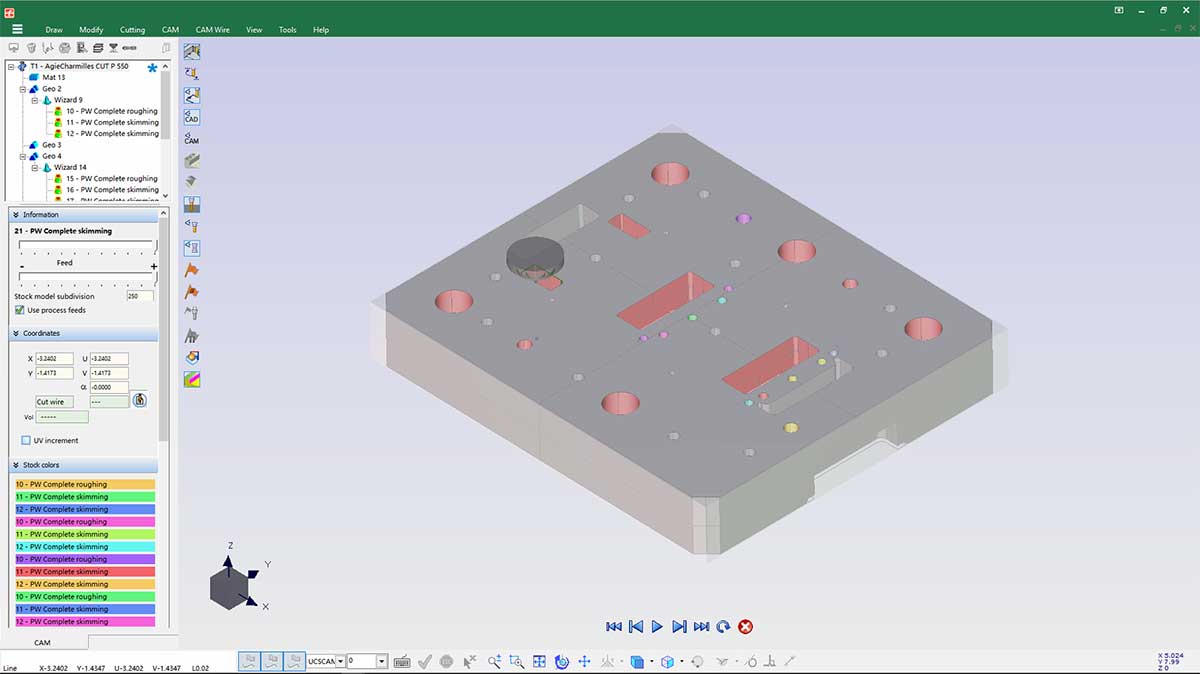
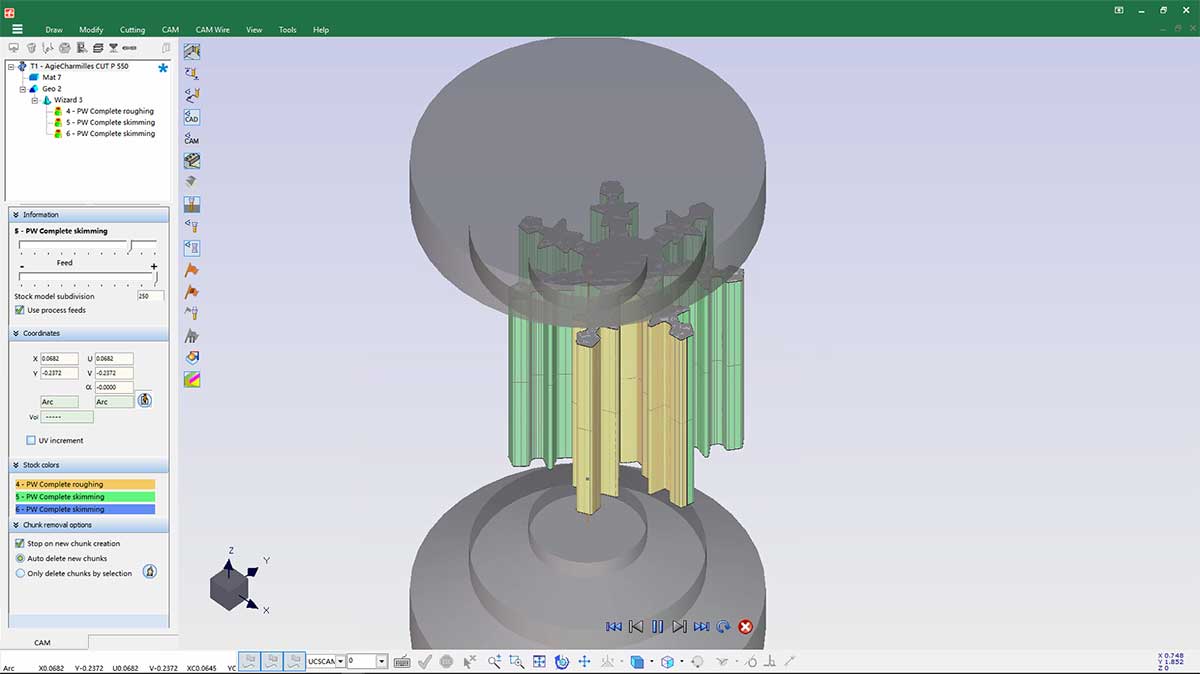
Stock simulation with ACcam.easy
Key features of ACcam.easy
- Reduce time-to-market and work hours drastically.
- Shorten geometry construction and part definition efforts.
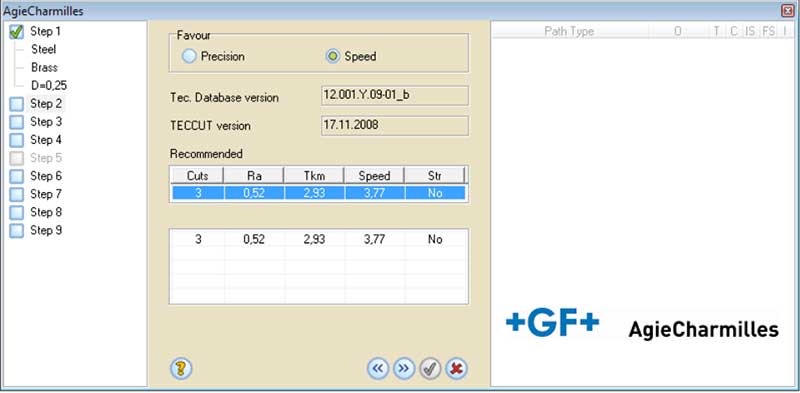
- Program your AC Wire-cut EDM machine using the machine specific Wizard and technological databases.
- Complete your job easily and safely and let ACcam.easy Wire EDM’s Manager guide you through the whole and logical EDM process.
- Take advantage of the most advanced wire path algorithms calculation for 2X to 4X cuts.
- ACcam.easy offers the first commercial solution for 4X no-core-cuts.
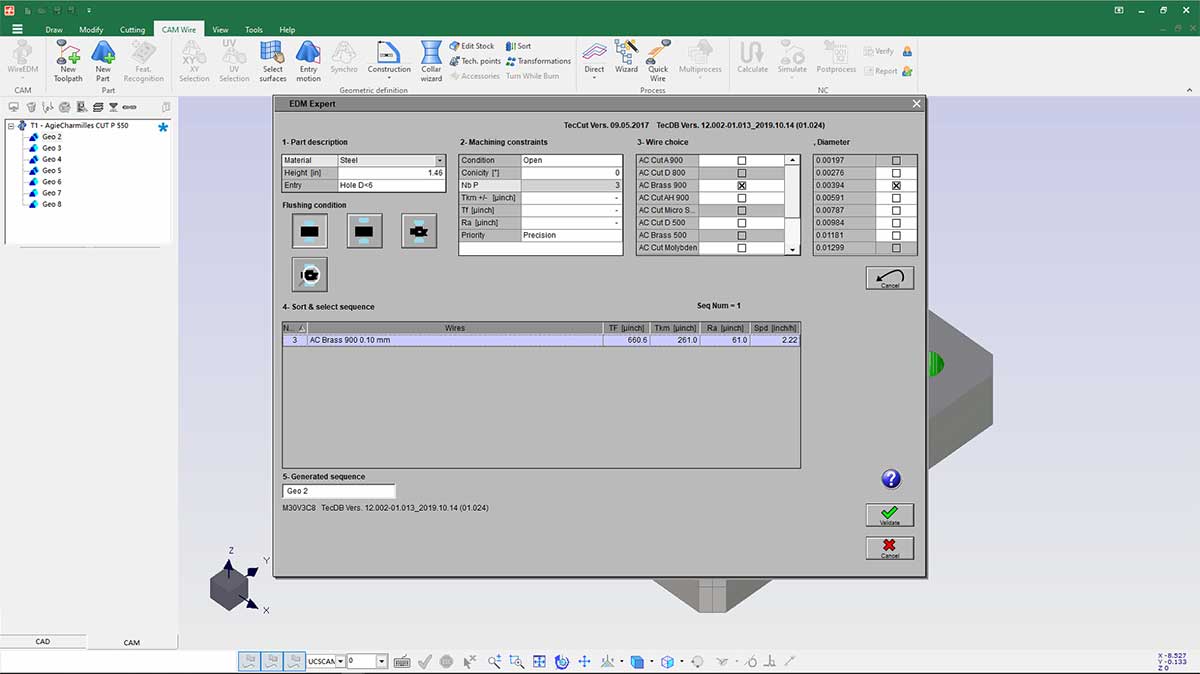
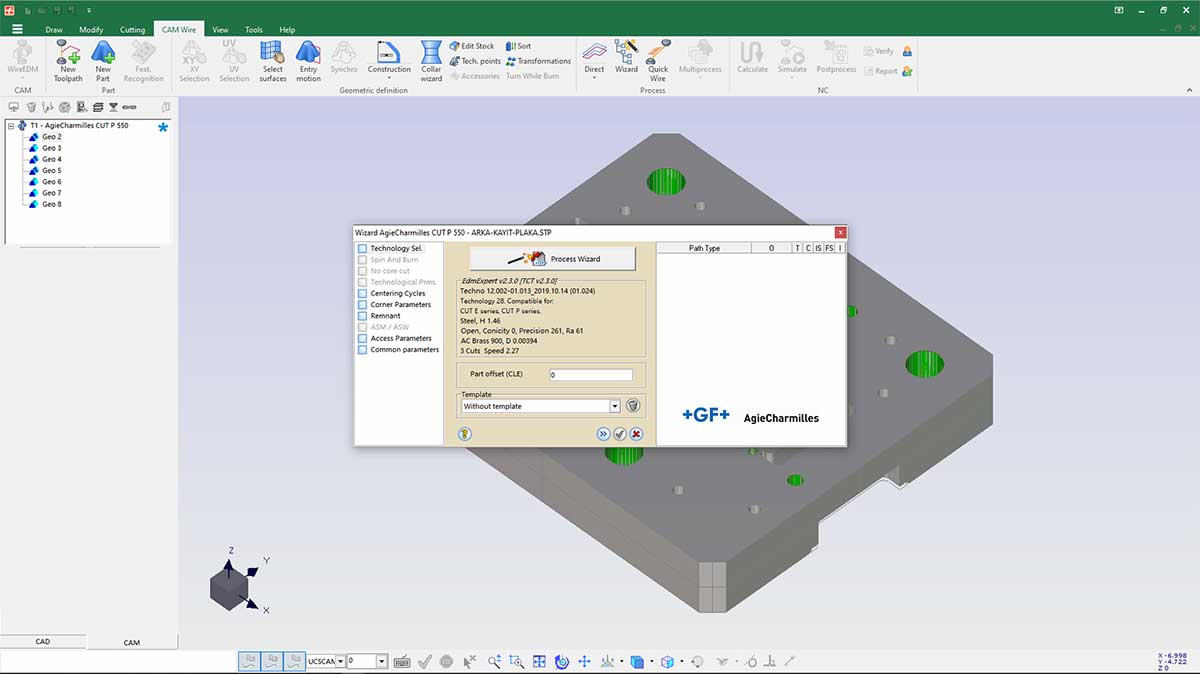
Technology selection for a CUT series machine
Promotion
Free eBook
Discover how to take full advantage
of your wire EDM machine
using a dedicated CAM software
Download here

Innovative solution with advanced functions
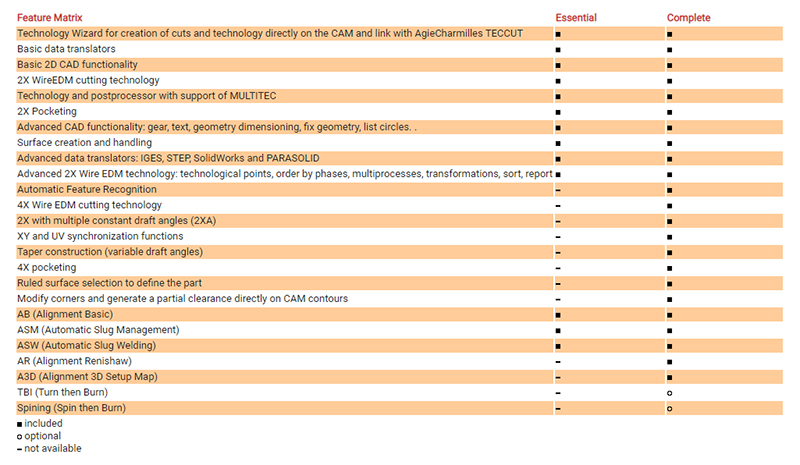
ACcam.easy allows to program 2 and 4 axes machining, including pockets. ACcam.easy also allows rotary axis processes, such as the Turn and Burn function (TBI).
ACcam.easy offers other powerful tools, such as technological points, the possibility to modify corners and generate partial clearances, templates, simulations, verifications, reports and many other functions to make your work faster, safer and easier.
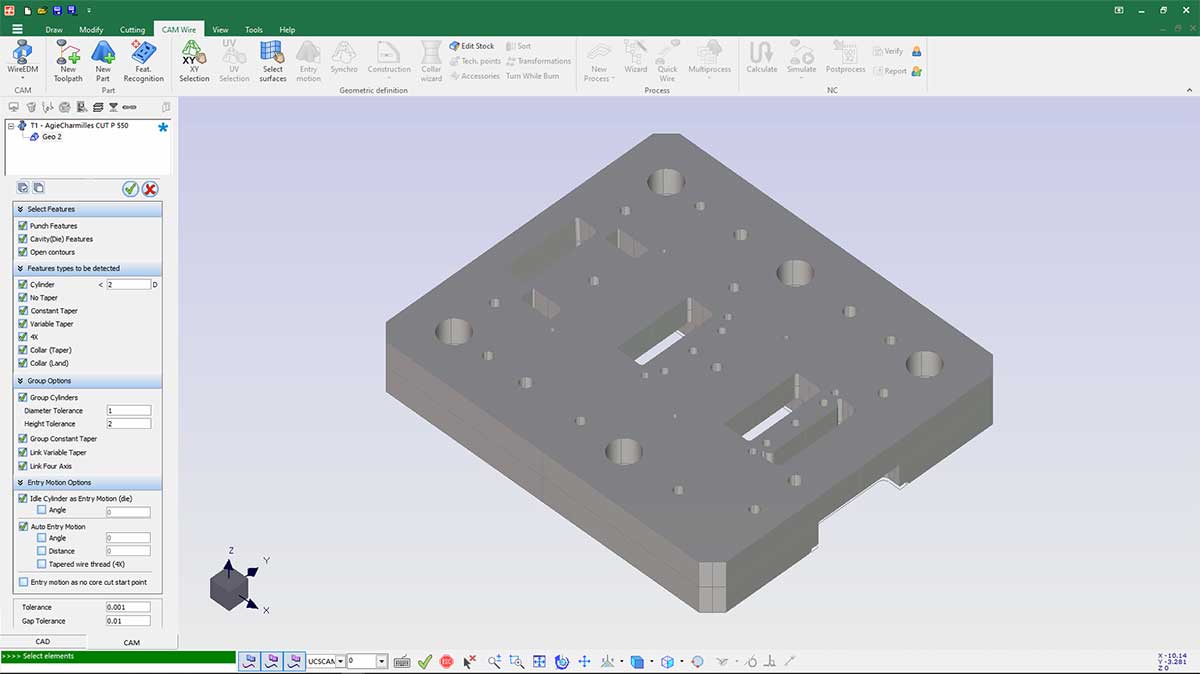
With ACcam.easy a high degree of automation is possible thanks to the Automatic Feature Recognition function that recognizes all the characteristics of the elements to be machined. Even the wire threading is automatic.
Powerfull tools incorporated